Characters
Managing characters in your Skald project
Characters
Characters are essential elements in conversations. In Skald, you can create and manage characters to appear across a project conversations.
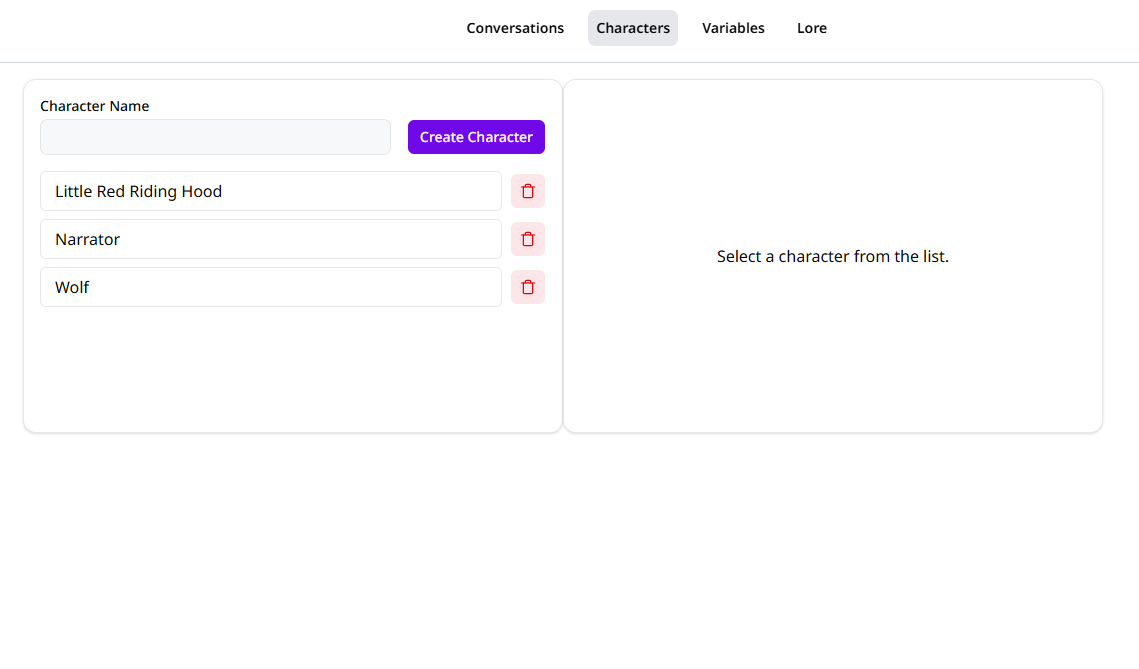
Creating a Character
To create a new character:
- Navigate to the Characters page in your project
- Click the "Create Character" button
- Enter a name for your character
- Select a colour to represent the character visually
Changes are saved automatically.
Editing Characters
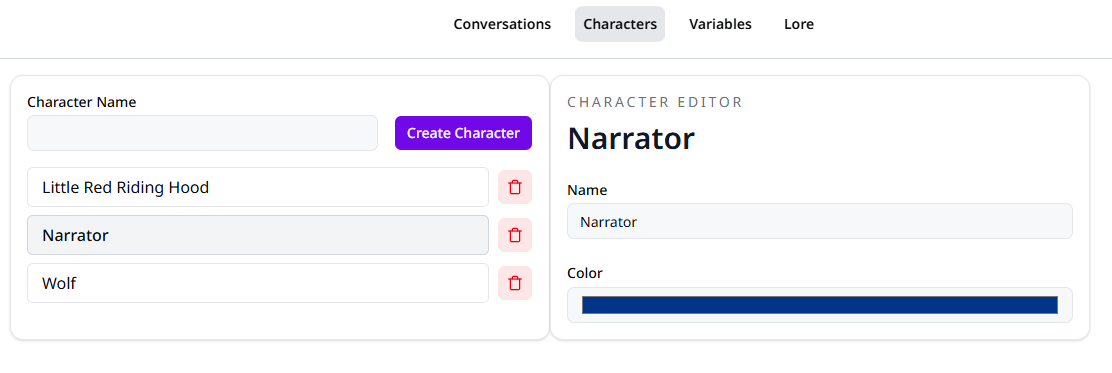
You can edit character details at any time:
- Change the character's name (ensure it's unique within the project)
- Update the character's colour
Updating Characters
Updates to characters are automatically applied to all conversations using
that character. However, if the character is mentioned in conversations in
plain text, this is not automatically updated. To ensure the updated name and
colour are reflected in conversations, make sure to mention characters using
@ in rich text fields. See mentioning.
Using Characters in Conversations
When creating dialogue nodes in your conversation graph, you can assign characters to them. This lets you:
- Display character names in dialogue
- Visualise character interactions
Using Characters in Rich Text
You can use characters in rich text fields to display character names and colours.
Use @ to reference a character in rich text.
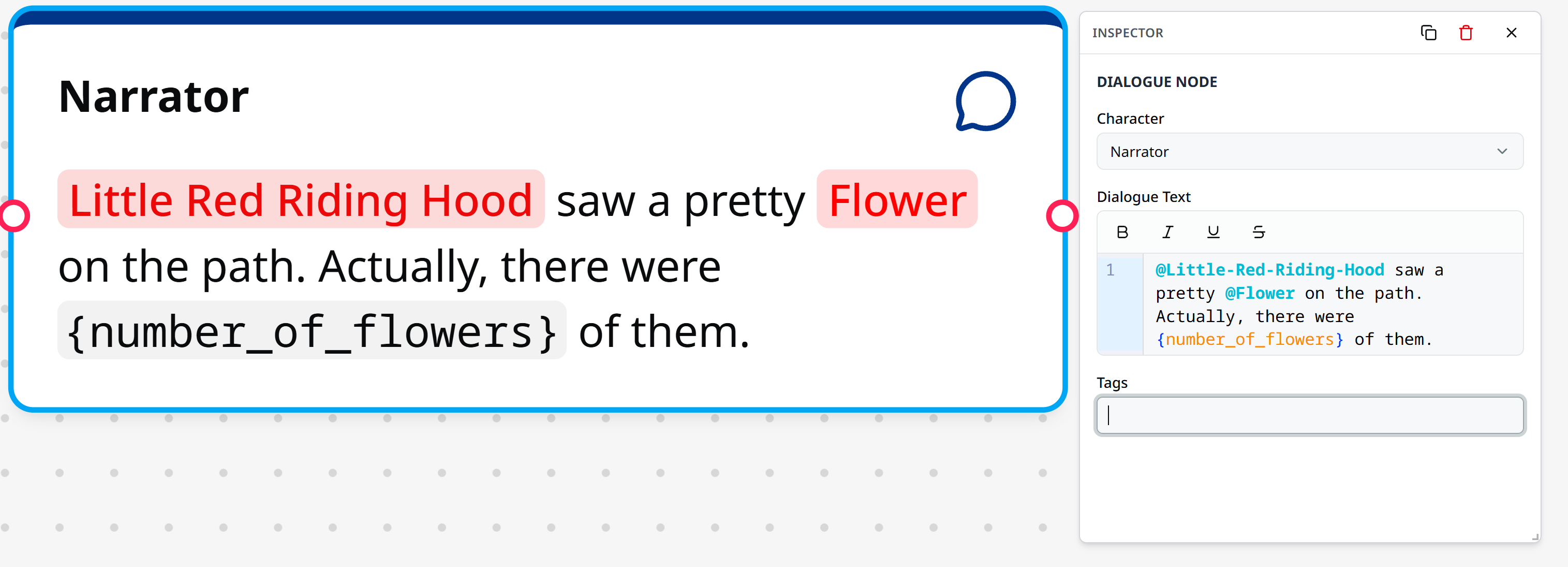
Read more about the Skald language on the Skald Language Page