Projects
Managing your Skald projects
A project is the main container for your work in Skald. Use projects to keep different stories, worlds, or authors separate.
You can have as many projects as you want.
What a project contains
A project can include:
- characters
- conversations
- tags
- variables
- lore
Each project also has a name and an optional description.
Creating a project
To create a project:
- Open the project list.
- Select
New Project. - Enter a project title.
- Optionally add a description.
- Click
Create Project.
Viewing projects
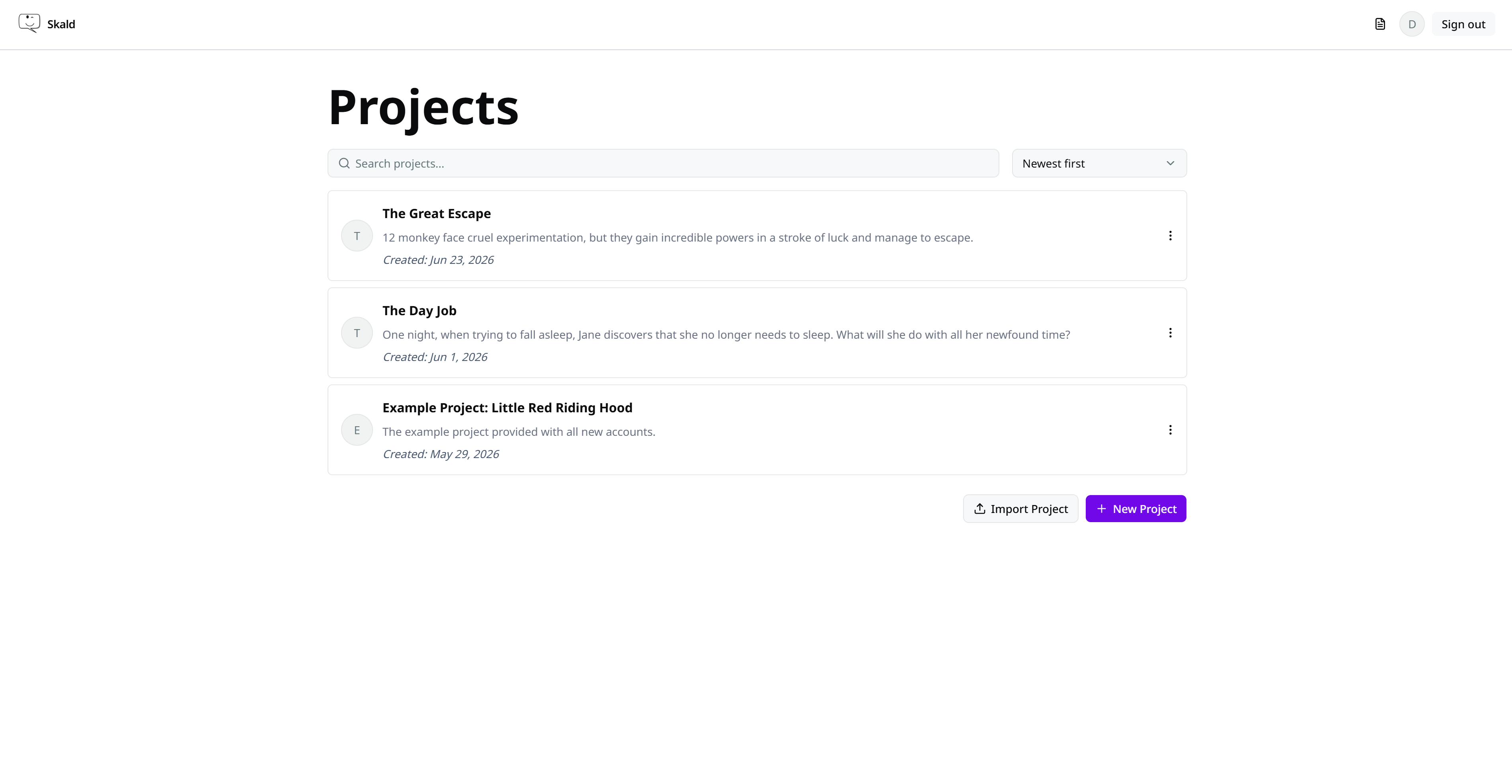
The project list shows your projects with:
- project name
- description
- creation date
You can search projects by name or description, and sort them using the controls at the top of the page.
Opening a project
Click a project in the list to open it. This will lead you to the conversations list.
Project actions
Each project has an actions menu with the following options:
- Export
- Delete
- Settings
Export
Export a project to save a backup or move it elsewhere.
Delete
Deletes the project and all of its content.
Deleting
Deleting a project is final.
Settings
Open the project settings to edit project description and/or manage project options. See Project settings.
Importing a project
You can import a project from a .skald-project.json file.
See Importing a project.