Inspector
The inspector lets you view and edit node properties.
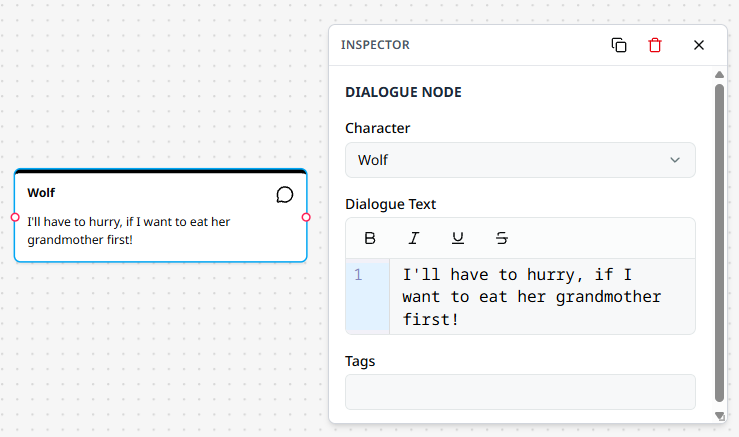
The Inspector is a floating panel that displays and allows you to edit the properties of selected nodes. When you click on a node in the graph, its properties appear in the inspector panel next to it.
Inspector Features
Resizing
Click and drag the resize handle at the bottom-right corner of the inspector to adjust its size.
Moving
Click and drag the inspector header to reposition the panel within the canvas area. The inspector automatically snaps to an available position next to the selected node when you switch nodes.
Actions
The inspector header provides quick actions:
| Function | Icon |
|---|---|
| Duplicate selected node | |
| Delete selected node | |
| Close inspector |
Node Types
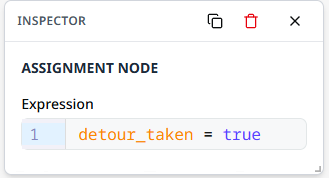
The inspector displays different fields depending on the selected node type:
Note
End nodes and note nodes do not use the inspector. End nodes have no configurable properties; note content is edited directly on the node in the graph.
Tip
Select a node to see its properties. Click elsewhere on the canvas to hide the inspector.