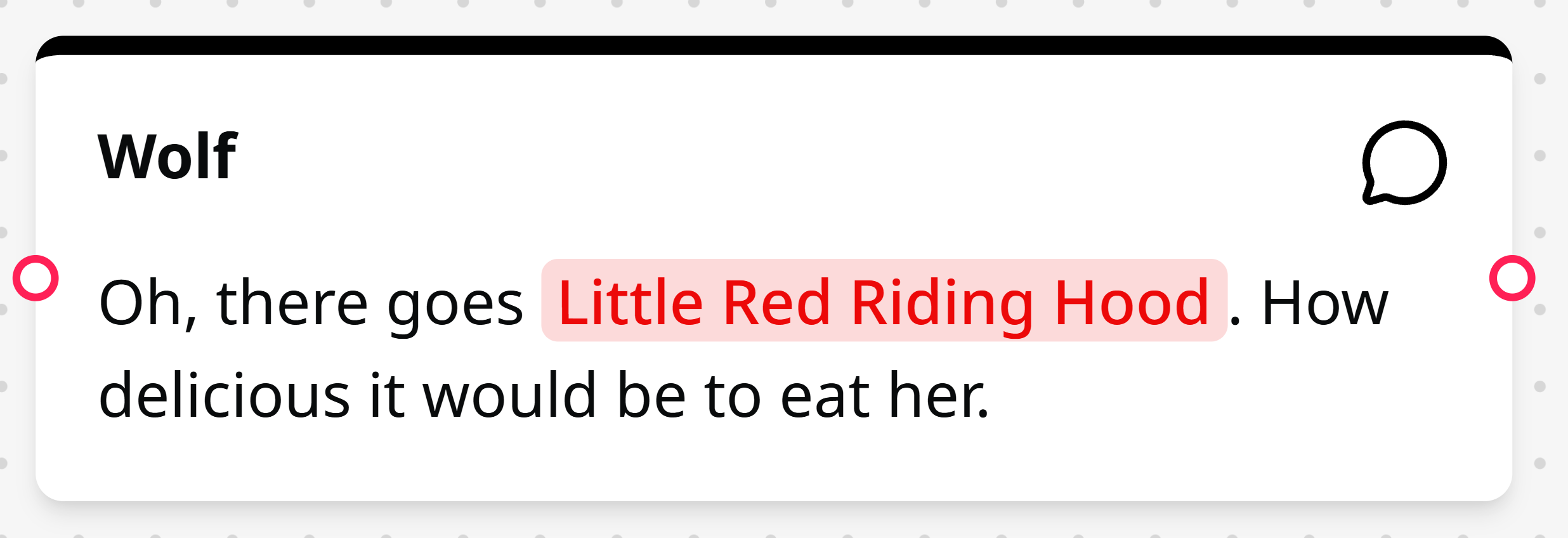
Dialogue Node
This node is for defining character dialogue.
Dialogue nodes hold the actual dialogue in a conversation. Each dialogue node has one input and one output, making them the primary building blocks for dialogue flow.
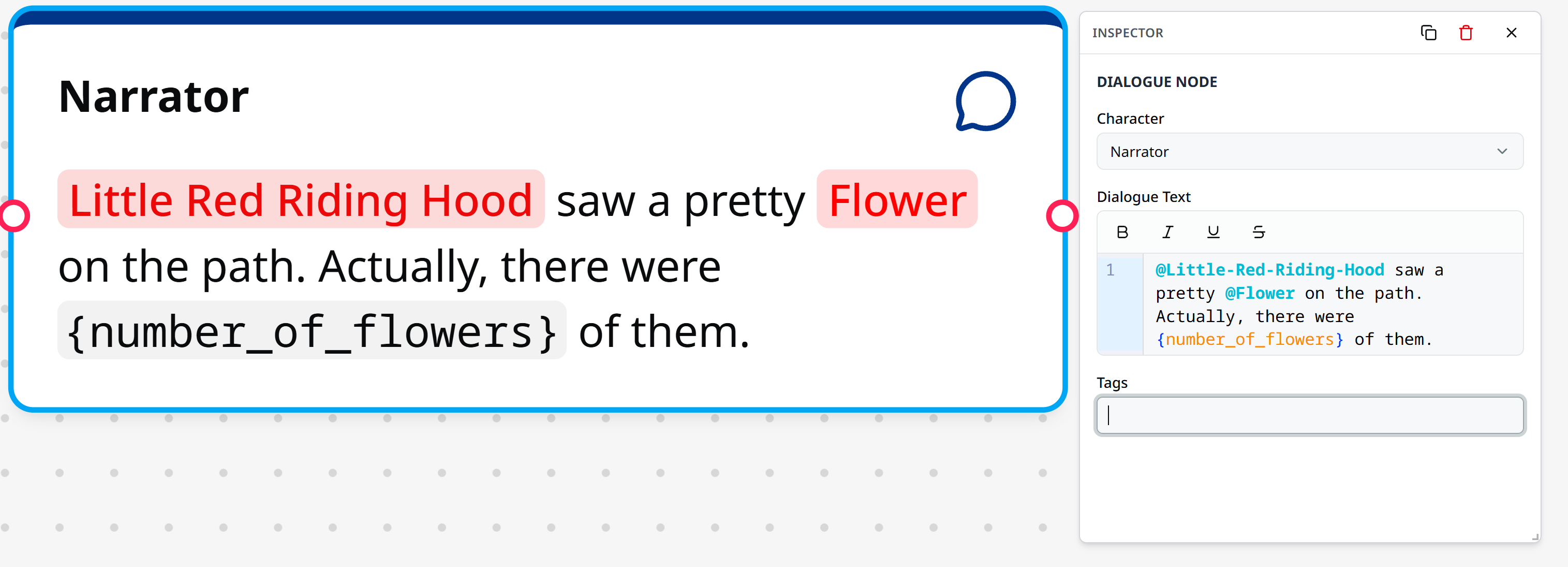
Inspector
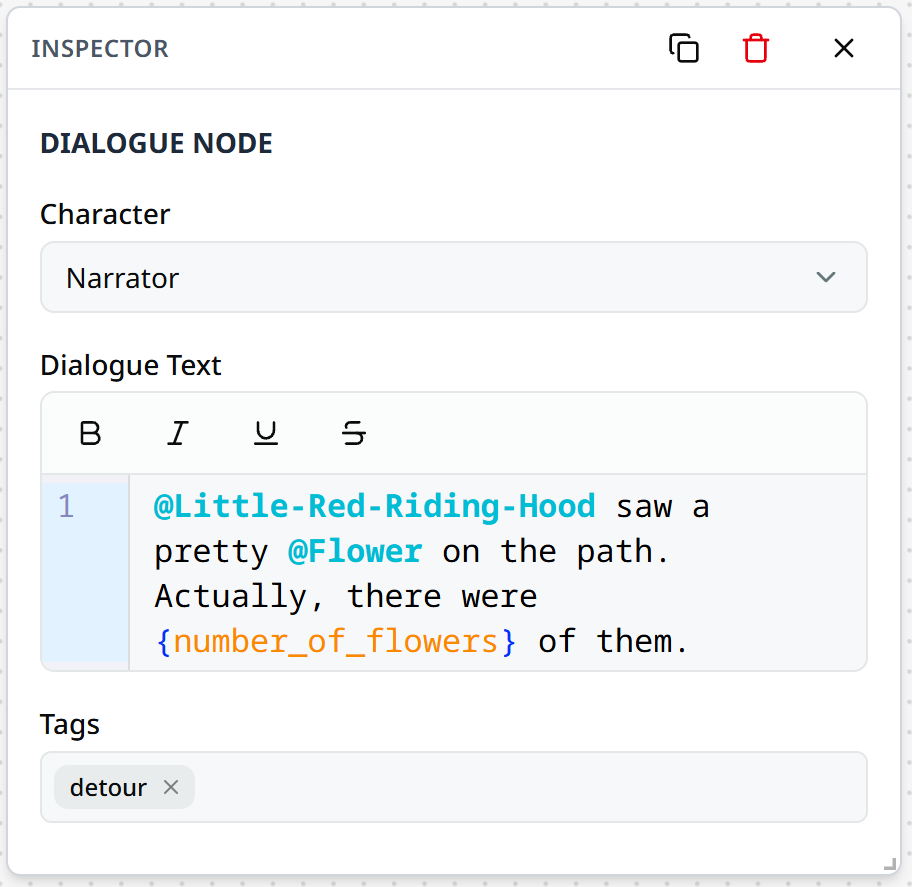
Character
Assign a character to speak the dialogue line. Select a character defined in your project's character list.
Selected character
The node header displays the selected character's name and the node will reflect the character's colour.
Dialogue Text
The "Dialogue Text" input field is where you enter the node's dialogue. The text field supports:
- Plain text dialogue
- Rich text formatting using the Skald Language
- Character or lore references using
@syntax - Variable interpolation expressions
Tags
Add tags to organise or filter content. Tags help you:
- Group related dialogue sections
- Filter nodes using the sidebar filter
Using Characters in Rich Text
You can reference characters in rich text fields to display their names and colours:
Oh, hi, @John!When using @ to reference a character, the rich text editor will autocomplete character names and apply the character's visual representation.
This ensures that character name changes are automatically reflected throughout your conversation.
Renaming characters
Using mentions in dialogue instead of plain text will make it easier to rename characters later, since they will automatically be updated when the character's name changes.
Example