Settings
Settings for your Skald project
Project settings are for changing the title of your project or editing the description.
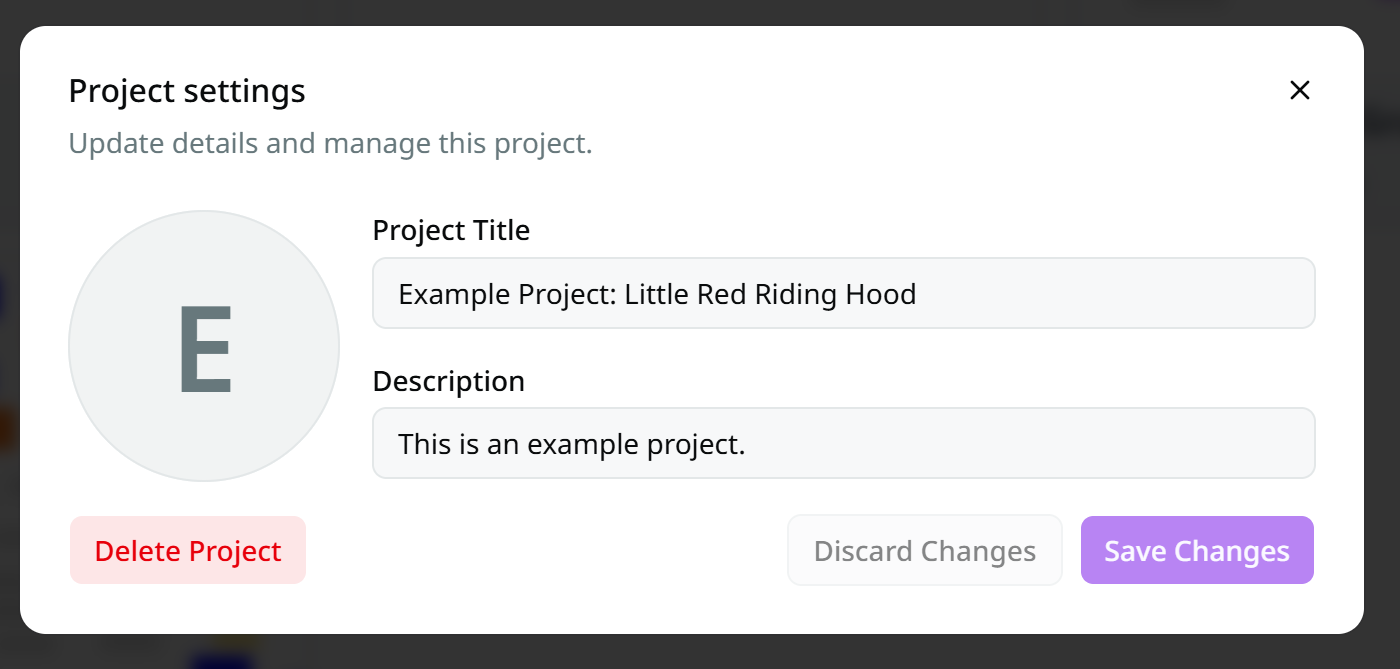
It is accessed by going to the projects page and clicking the three dots on the right side of a project and selecting "Settings".
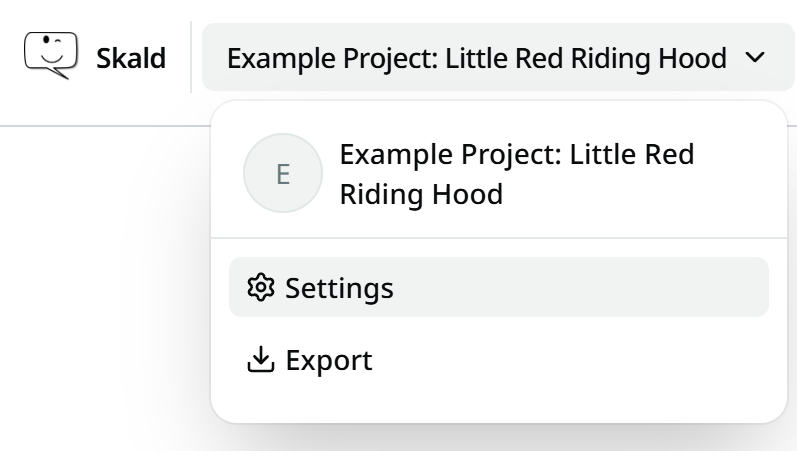
If already inside a project, it can be opened from the project dropdown menu in the top-left corner.