Exporting a project
Exporting your Skald projects
Exporting a project
You can export a Skald project as a JSON file and import it again later.
This is useful for:
- creating backups
- moving a project to another account or workspace
- sharing a project with someone else
- duplicating a project before making big changes
- combining several projects into one
How to export a project
To export a project:
- Open the project list.
- Open the project actions menu.
- Select
Export. - Choose which data to include:
- Characters
- Tags
- Variables
- Lore
- Download the export file.
The exported file is a .skald-project.json file.
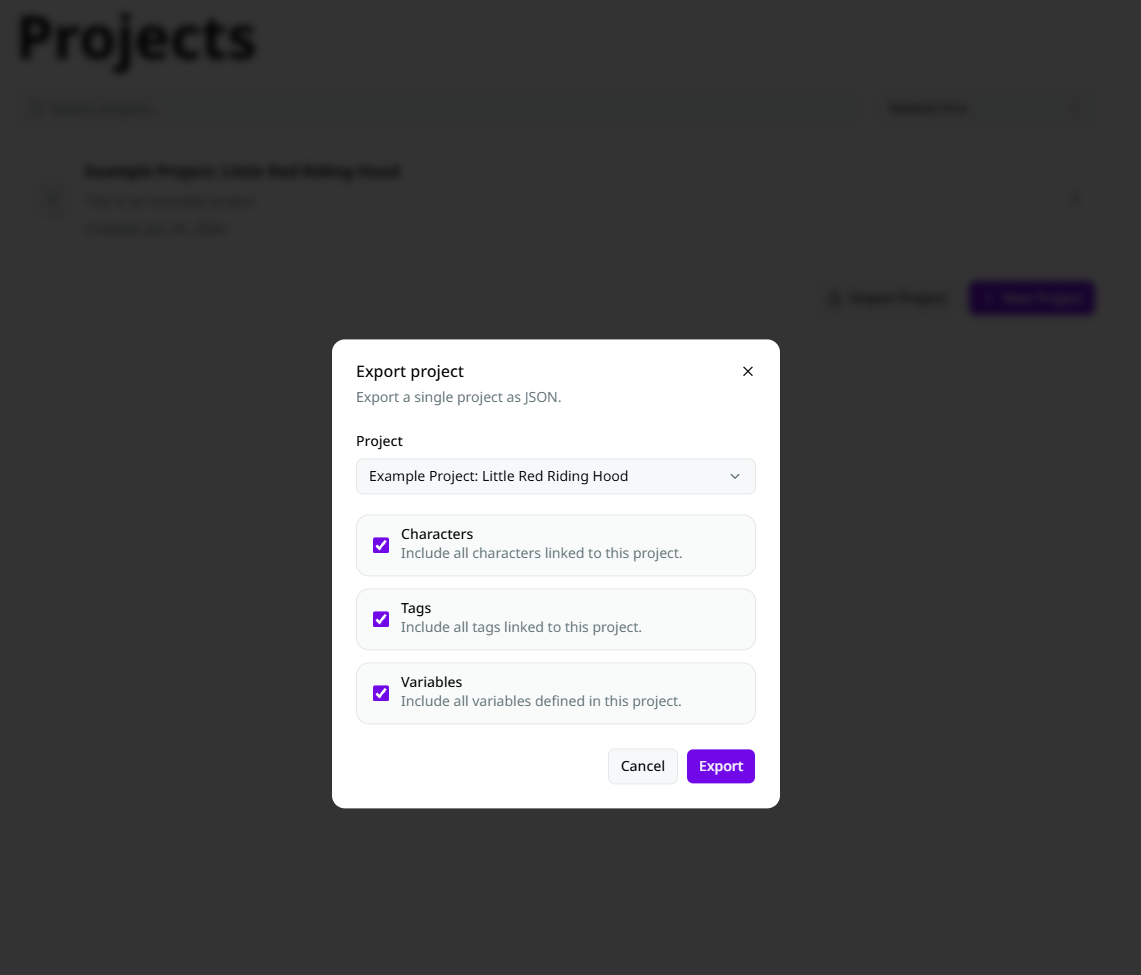
Export options
You can choose what to include in the export:
- Characters
- Tags
- Variables
- Lore
Conversations are always included.
What gets exported
A project export includes:
- project details
- characters, if selected
- tags, if selected
- variables, if selected
- lore, if selected
- conversations
- conversation node data